A student who disengages in French class because he can’t keep up with the dictation, another who spends three times longer on a math exercise without understanding the statement: at middle school, dys disorders turn every day into an obstacle course. The tools exist, but one must know which ones to choose and how to integrate them without burdening the daily routine of the classroom.
Text-to-speech and voice dictation in middle school: two underutilized levers
Have you ever noticed that a dyslexic student understands a text read aloud perfectly but struggles when they have to read it alone? This is exactly where text-to-speech changes the game. The software reads the document for the student, who can then focus on the meaning.
Tools like Lexibar combine text-to-speech and word prediction in a single toolbar. The student types the first letters, the software suggests the continuation, and an audio feedback confirms the chosen word. This dual channel (visual and auditory) reduces the cognitive overload associated with writing.
Conversely, voice dictation works the other way around: the student speaks, the software writes. For a dysorthographic middle schooler, this allows them to write an essay without every spelling mistake overshadowing the quality of the reasoning. Several families have been able to consult Emploi Annonces for dys students to identify the resources available in their school.
Voice dictation does not replace the learning of writing, it makes it possible by removing the initial blockage. A student who produces text regains confidence, and this confidence fuels progress.

Adapted fonts and layout: what the middle school can change without budget
Before looking for expensive software, a simple question arises: are the documents distributed in class readable for a dys student? In most cases, the answer is no.
A font like OpenDyslexic or Lexie thickens the base of the letters to limit visual inversions (the “b” and “d,” for example). Changing a handout to an adapted font takes less than two minutes and costs nothing.
The layout is just as important as the font:
- A larger line spacing (minimum 1.5) reduces the “line jump,” this error where the eye moves to the wrong line while reading
- Numbered and visually separated instructions, rather than a continuous block of text, help the student identify each step of the exercise
- A lightly colored background (cream or light blue) reduces the harsh contrast of black on white, which is often tiring for students with a visual-attention disorder
Adapting the layout benefits the whole class, not just diagnosed students. A clearer document is better understood by everyone.
Dys compensation software: selection criteria for middle school
The market for software for dys students has expanded, and sorting through it is not always easy. Two criteria can save time.
Compatibility with the school’s digital environment
A software installed on a home computer but unusable on the school’s computers loses half its value. Check if the tool works on the operating system of the school’s machines and if it integrates with the ENT (digital workspace). Lexibar, for example, is presented as a floating toolbar compatible with most word processing software.
Progressive autonomy of the student
A good compensation tool does not create dependency. It should allow the student to gradually reduce the level of assistance as their reading or writing strategies strengthen. Software that offers multiple levels of assistance (more or less active prediction, deactivatable text-to-speech) better meets this goal than those that operate on an all-or-nothing basis.
Several departments are now integrating this software into their public procurement for equipping middle schools, considering them as standard aids rather than exceptions. This evolution facilitates access for families who cannot afford to pay for an individual subscription.
Digital accessibility of textbooks: an obligation in progress
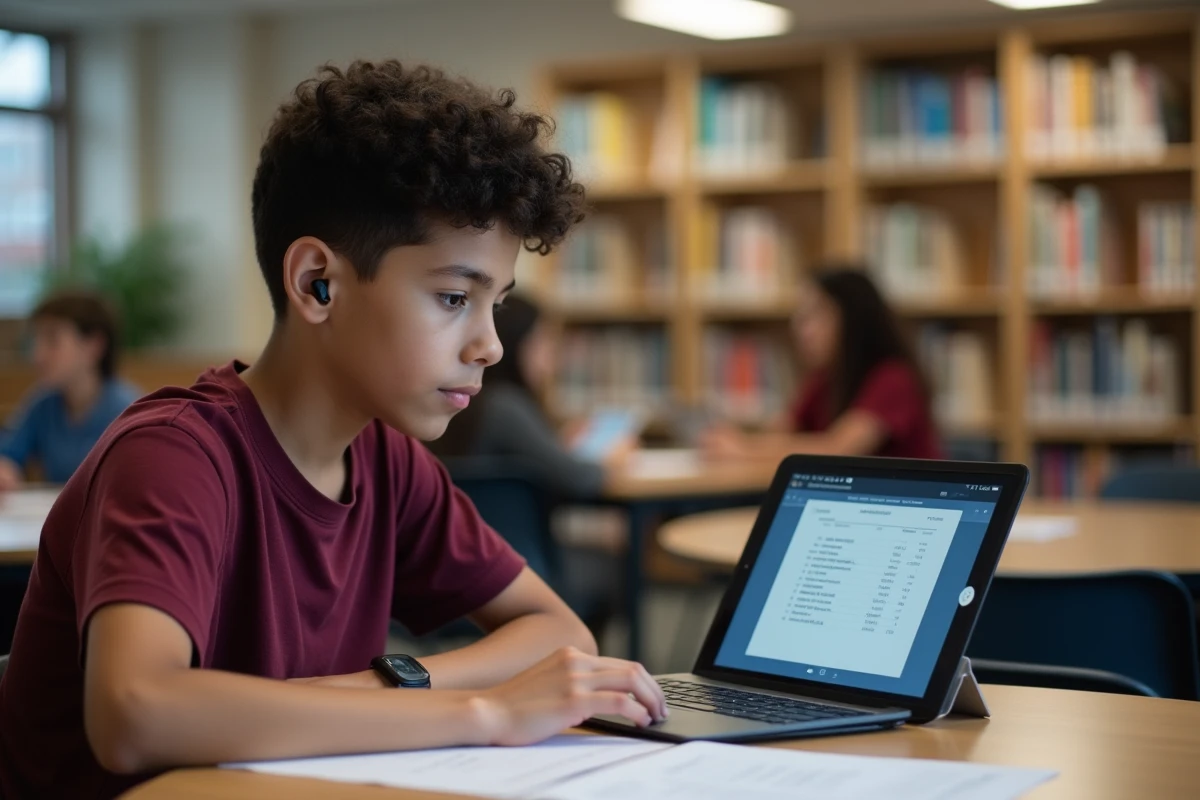
The digital textbooks used in middle school are not all compatible with compensation tools. A scanned PDF, for example, is unreadable for text-to-speech because the text is not recognized as such by the machine.
The transposition of the European directive 2019/882 pushes educational resource publishers to comply with the General Accessibility Improvement Reference (RGAA). In practical terms, this means: compatibility with screen readers, keyboard navigation possible, textual alternatives for images.
This obligation is still being gradually implemented. In the meantime, teachers can check one specific point: does the digital textbook used allow text selection and copying? If yes, the dys student can paste it into their text-to-speech software. If not, an alternative version will need to be provided.
Building the support plan: PAP or PPS in middle school
A technical tool without a pedagogical framework remains a gadget. The Personalized Support Plan (PAP) formalizes the adjustments for a dys student without recognition of disability. The Personalized Schooling Project (PPS) comes into play when the MDPH is involved.
- The PAP is drafted by the educational team with the family, without an MDPH file. It lists the adaptations: increased time, modified supports, use of a computer in class
- The PPS may include the intervention of an AESH and the allocation of specific equipment funded by the community
- Both systems must be revised each school year to adjust the tools to the student’s actual level
A common pitfall: drafting a PAP in sixth grade and never updating it. A student who progresses thanks to text-to-speech in sixth grade may not need the same level of assistance in eighth grade, but they will need different support for note-taking or organization.
The support for dys students in middle school relies on a concrete trio: readable documents, software compatible with the school environment, and an updated support plan. None of these three elements works in isolation, and it’s their interplay that makes the difference between a superficial adjustment and a true lever for learning.